First announced at WWDC in June, iOS 13 is the next major update to Apple’s mobile operating system and is now available for compatible iPhone models. For the first time, iPad users will not be able to get this update as Apple releases iPadOS, a new operating system for the iPad. While iOS 13 is out now, iPadOS won’t be out for a few weeks. We’ve covered the best features of iOS 13, including a new system-wide dark mode, an overhauled Photos app, major performance improvements, and more.
In this guide, we’ll explain how to download and install iOS 13 on a compatible Apple device. As always, updates can be installed directly on your iOS device over Wi-Fi or using iTunes on a Mac or Windows computer. Before proceeding, don’t forget to make a complete backup of your iPhone or iPod touch. We’ve detailed the steps for both methods below, but before you do, be sure to check out the list of devices compatible with iOS 13.
Get a list of devices updated to iOS 13
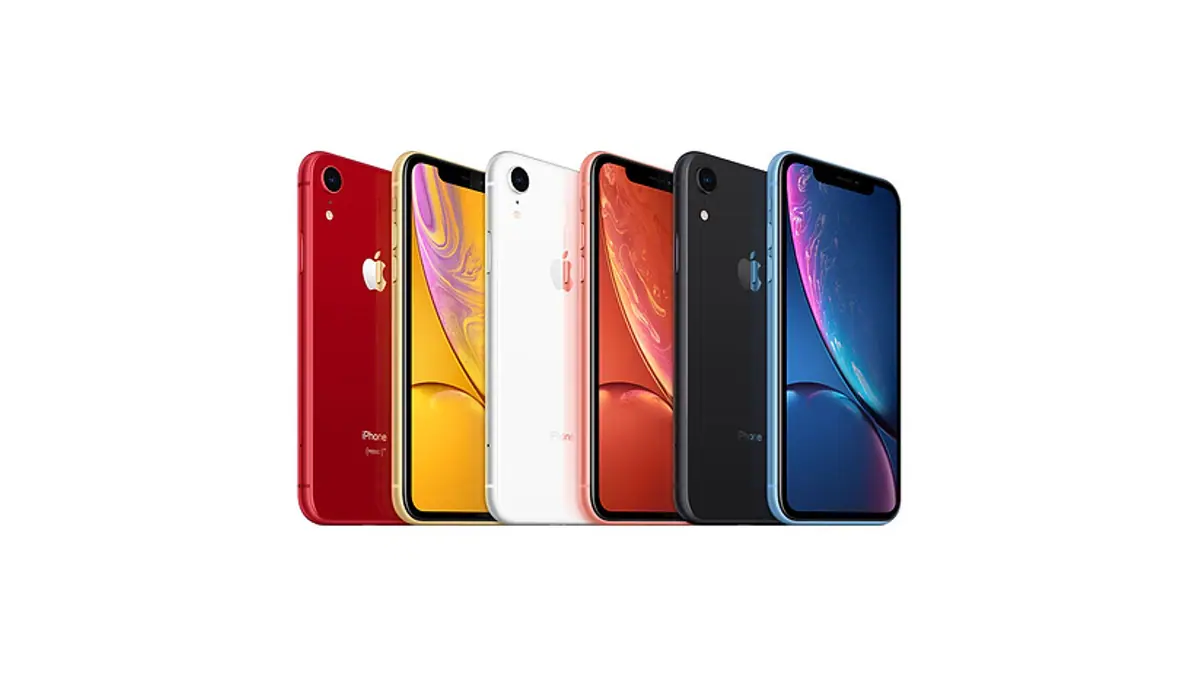
The following iOS devices will receive the iOS 13 update:
How to download and install iOS 13 on iPhone
You can download and install updates directly on your device. Once again we strongly recommend that you back up your device before updating. Please follow the steps below to update to iOS 13:
1. Go to set up > General > Software updates. This will start checking for updates on your device.
2. Click Download and install.
3. The download will now begin. The speed obviously depends on the speed of your internet connection. Please note that this requires Wi-Fi and cannot be done over a mobile data connection.
4. After the download is complete, click Install.
5. Click agree When you see Apple’s terms and conditions.
Your iOS device will restart and iOS 13 will be installed.
How to download and install iOS 13 via iTunes
As long as you have a PC or Mac connected to the Internet, you can easily update your iPhone or iPod touch to iOS 13 using iTunes. Please make sure your device is backed up before following these steps to update to iOS 13:
1. If iTunes is not installed on your system, please click here to download. After installation, open iTunes.
2. Now, connect your iPhone or iPod touch to your computer via the charging cable.
3. On iTunes, your device icon will appear near the upper left corner. Click this icon. You may need to unlock your device for this icon to appear.
4. Click generalize In the left pane of iTunes.
5. In the right pane you will see a box labeled Check for updates. Click this button.
6. Next, click Download and update And follow the on-screen instructions to guide you through the rest of the process.
By following these simple steps, you will be able to download and install iOS 13 on your compatible iPhone or iPod touch.
For more tutorials, visit our how-to section.
iOS 13, iPadOS release date and time in India
iOS 13 will be released in India on September 19. Apple has not announced the specific release time, but based on previous years, the release time should be around 10 am Pacific Standard Time / 1 pm Eastern Standard Time, which converts to around 10:30 pm IST.
As for iPadOS, the new update will be released on September 30, and just like iOS 13, iPadOS will be available for download worldwide around 10:30 pm (IST) on the same day.

