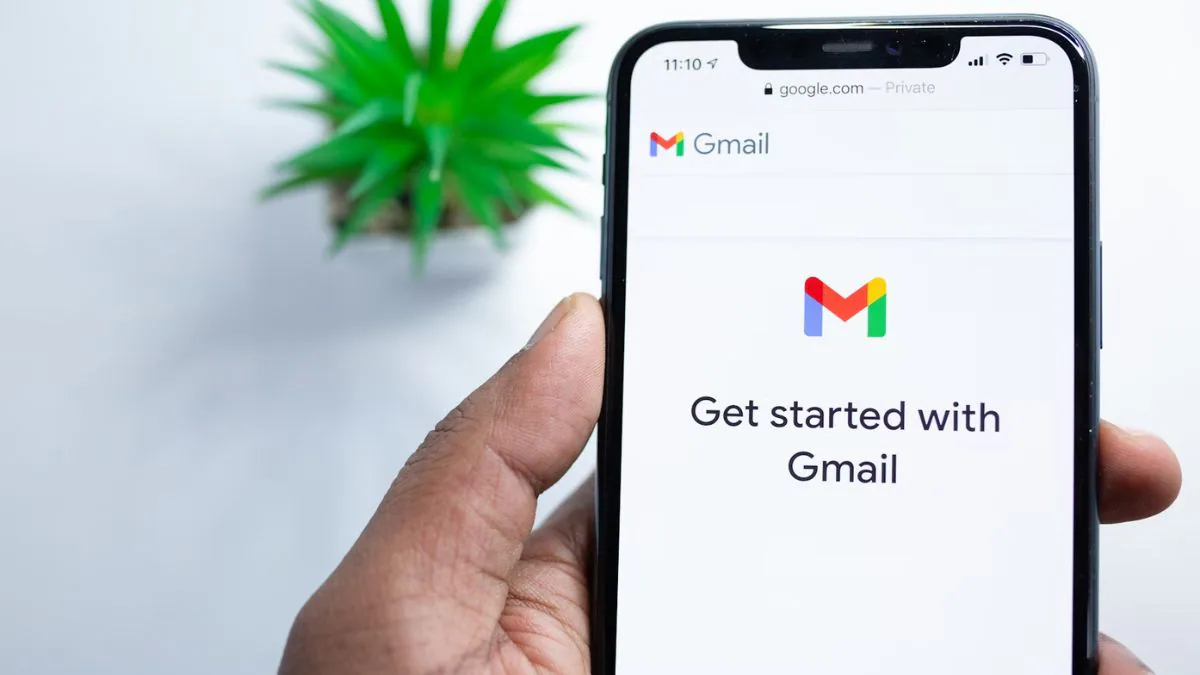
Google allows users to verify their accounts using a phone number. You can even use your linked phone number to log in when you forget your email address. However, if the number is no longer valid, you lose this security feature. It’s important to keep your Google and Gmail accounts associated with your current phone number. Google uses this number to send verification codes, password reset links, and two-factor authentication alerts. If your number is not accessible, your account may be locked. Additionally, if someone else starts using an outdated number, your account could be at risk.
How to update the phone number associated with your Google Account
If you manage multiple accounts or move to a new country, it’s easy to lose your Google Account and associated number. Therefore, updating your phone number is critical for account security and recovery. Here’s how you can change the phone number associated with your Google or Gmail account.
- Go to myaccount.google.com and sign in or open the Gmail app
- On Gmail, click your profile photo and select Manage your Google Account
- Select the Personal Information tab from the side menu.
- Navigate to Contact information then the phone number
- Click on the phone number shown on the website and then click on the edit icon (pencil)
- Verify your password and device and click Next
- Enter new phone number
- Google will send a verification code via SMS
- Enter the verification code to complete verification
After updating, the new number will appear as a linked phone number for account recovery and verification purposes. Users can also delete old numbers by selecting the “Delete” option next to them to avoid confusion and security risks.
The steps are almost the same on Windows, Android, iPhone, and iPad. However, after you change your number, it can take up to a week before Google allows you to use it for things like password changes or account recovery.
Changing your phone number in your Google Account and Gmail will not automatically update across all Google services. You may need to update it manually in apps like Google Calendar and Chrome.
Get daily tech news, reviews, and insights in 80 characters or less on Gadgets 360 Turbo. Connect with other tech enthusiasts on our forum. Follow us XFacebook, WhatsApp, Threads and Google News for instant updates. Watch all the action on our YouTube channel.
Redmi 15C 5G India launch date set for early December; Amazon availability confirmed: Check expected price, specs
Indrajaal Ranger debuts as India’s first AI-powered anti-drone patrol vehicle

