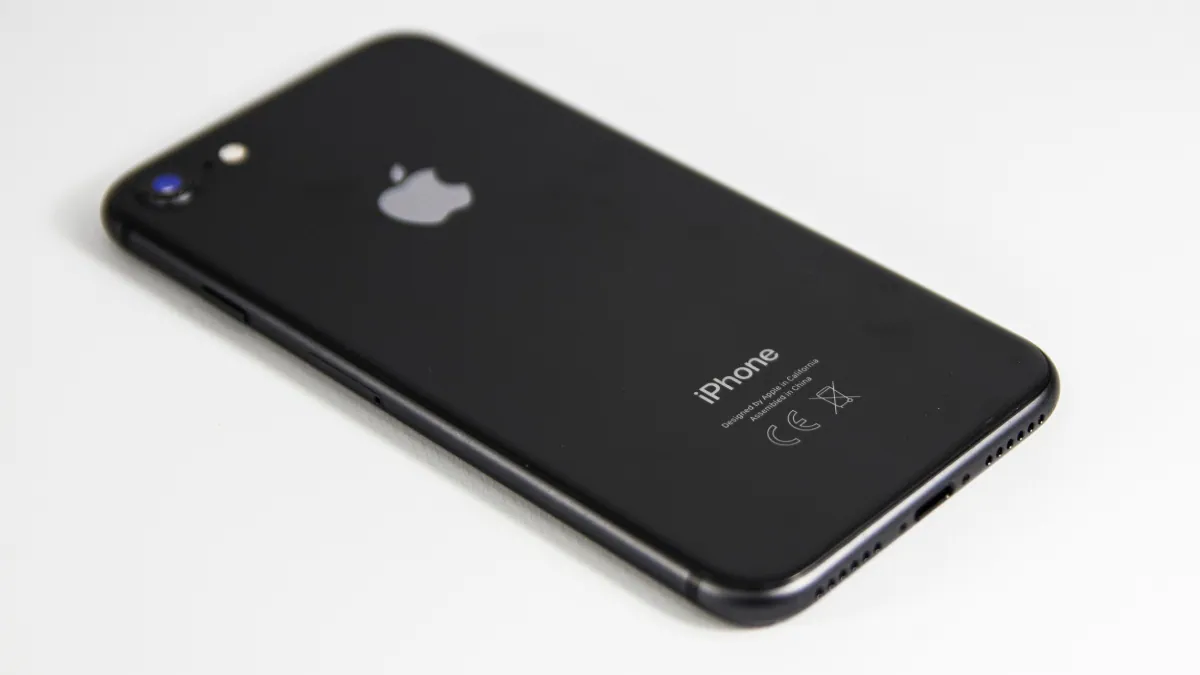
Lost your iPhone? Not sure how to find it or delete its data before it falls into the wrong hands? Apple’s Find My iPhone feature is easy to use and can come in handy if your iPhone is lost. It allows you to view the location of your lost or stolen iPhone, play a sound on the phone to help you find it or alert others nearby, mark the iPhone as lost to remotely lock it to protect the data, and wipe all data on the iPhone if needed.
To enable all of the above features, you need to activate Find My on your iPhone first.
How to enable Find My iPhone
-
click Apple ID menu. This is the first tab you see on the Settings screen, right below the search bar.
-
Click find my options. This should be the third option iCloud and media & buying.
-
Click Find my iPhone options. Toggle options Find my iPhone, find my network (locate your iPhone even when it’s offline), and Send last position (Automatically sends the iPhone’s location to Apple when the battery is severely low).
After completing these operations, you can find your iPhone in case it is lost. To locate your lost iPhone or delete data, log in to icloud.com/find.
How to view a lost iPhone on a map
- In the link above, once you log in using your Apple ID and password through any browser, it will automatically start locating your iPhone.
- Within seconds, your iPhone’s location will appear on the map on your screen.
- If the device is found in an unknown area, readers are advised not to try to recover the iPhone on their own, but to contact law enforcement – they may ask for the device’s serial number or IMEI code. Here’s how to find your device’s serial number.
How to play sounds on a lost iPhone
- Once your phone is found, you will be able to see All devices at the top of the map. Click it.
- From the drop-down menu, select your lost iPhone model (the phone name you specified should appear here).
- A floating box should now appear in the upper right corner of the screen. This should display your iPhone’s photo, phone name, remaining battery, and more.
- click play sound button. This will cause your iPhone to vibrate and emit an increasingly louder beep, regardless of whether your phone is in silent mode. This feature is especially handy when you have your iPhone in a nearby room or location and can’t see where it’s stored. You can find it by following the beeps. You need to unlock your phone to stop the sound.
How to mark your iPhone as lost
- In the floating window, click lost mode button.
- You will be asked to enter an optional phone number where you can be contacted. This number will appear on your lost iPhone. You’ll also be asked to enter a custom message, which will also appear on your iPhone. Please note that these steps are optional. Lost Mode automatically locks your iPhone with a passcode to keep all data on it safe.
- Click complete.
How to delete data on lost iPhone
- In the floating window, click Erase iPhone button.
- A message will pop up asking you to confirm. Please note that allowing this action will delete all content and settings from your iPhone. An iPhone that has been wiped cannot be tracked or located.
- Click Erase.
The iPhone 12 Pro series is amazing, but why is it so expensive in India? We discuss this on Orbital, our weekly technology podcast, which you can subscribe to via Apple Podcasts, Google Podcasts, or RSS, download the episode, or just hit the play button below.
Get daily tech news, reviews, and insights in 80 characters or less on technology shout Turbo. Connect with other tech enthusiasts on our forum. Follow us XFacebook, WhatsApp, Threads and Google News for instant updates. Watch all the action on our YouTube channel.
Oppo A94 5G and Oppo A54 5G price, specs, renders online
OnePlus Watch will be released on March 23rd alongside the OnePlus 9 series

