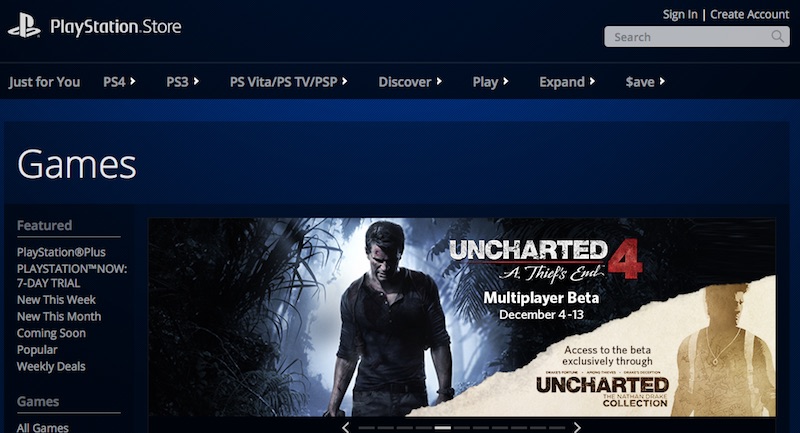
From time to time, readers send emails asking why PlayStation Network (PSN) in India does not accept debit cards from banks such as HDFC and SBI. While Sony has been hesitant to ensure broad support for all Indian bank-issued cards, there’s still a way for you to get digital purchases like PSN-only games like Everybody’s Gone to the Rapture or a PS+ subscription.
The Indian PSN doesn’t even have a PS+ prepaid card or store credit, but thankfully the US PSN does, and it’s available through sites like Amazon.com and PlayAsia. Spend a few minutes on the browser and console and you’ll have everything you need as long as your card works online. This guide is divided into two steps, first create a US PSN account and then purchase game codes or US PSN store credits through Amazon.
Step 1: Create a US PSN account
- On PS3, PS4 or PS Vita, sign out of your existing account.
- Select create user
- Make sure your locale is set to the United States and fill in the applicable details.
- Next, you’ll be asked to enter your address. Select a state and enter a zip code. In our experience, we can register using a fictitious street name.
- After this, you’ll be asked to enter your credit card details (you should skip this unless you have a Bank of America credit card), select your PSN ID, and opt out of marketing emails.
- Verify your account by replying to the email sent to your address and you now have a US PSN account.
(See also: 5 PSN Games You Should Play Right Now)
Step 2: Purchase the PSN code on Amazon.com
- If you don’t have an account, log in to Amazon.com and create an account.
- You will need to provide a US shipping address. Unlike PSN, you can’t escape the fictional network. You can provide a random address based on a US landmark that can be found through a search, or if you use a global shipping service like Borderlinx or ShopAndShip, you can use the US address provided to you as your legal shipping address.
- Go to the PlayStation section of Amazon Digital Games and select the game you want. Indian credit and debit cards will work fine for purchases as long as you have a U.S. address saved. You should receive the code almost immediately. These are just a bunch of numbers so you don’t have to ship them. Claim your code on the console via the store section or browser.
Remember, you cannot use the same email address as your Indian account. Additionally, DLC and season passes are region-locked, meaning they only work with games from the same region. This means that if you purchased the game disc in India, the DLC you purchased for the game also needs to come from India and not through your US account. All other content (i.e. games) downloaded to your PS3 or PS4 will be playable by all accounts on it, and you don’t need a US account to play, just purchase the game.
Is this method useful for purchasing US PSN digital games? Let us know in the comments.
Get daily tech news, reviews, and insights in 80 characters or less on technology shout Turbo. Connect with other tech enthusiasts on our forum. Follow us XFacebook, WhatsApp, Threads and Google News for instant updates. Watch all the action on our YouTube channel.
Amazon, Digital Games, Indian PSN, PS Plus, PS3, PS4, PSN Store Credit, PlayStation 3, Sony, US PSN, How to Buy PSN Games in India
Google adds reminders to Android and iOS calendar apps
Sony PlayStation messaging app launches for Android and iOS

