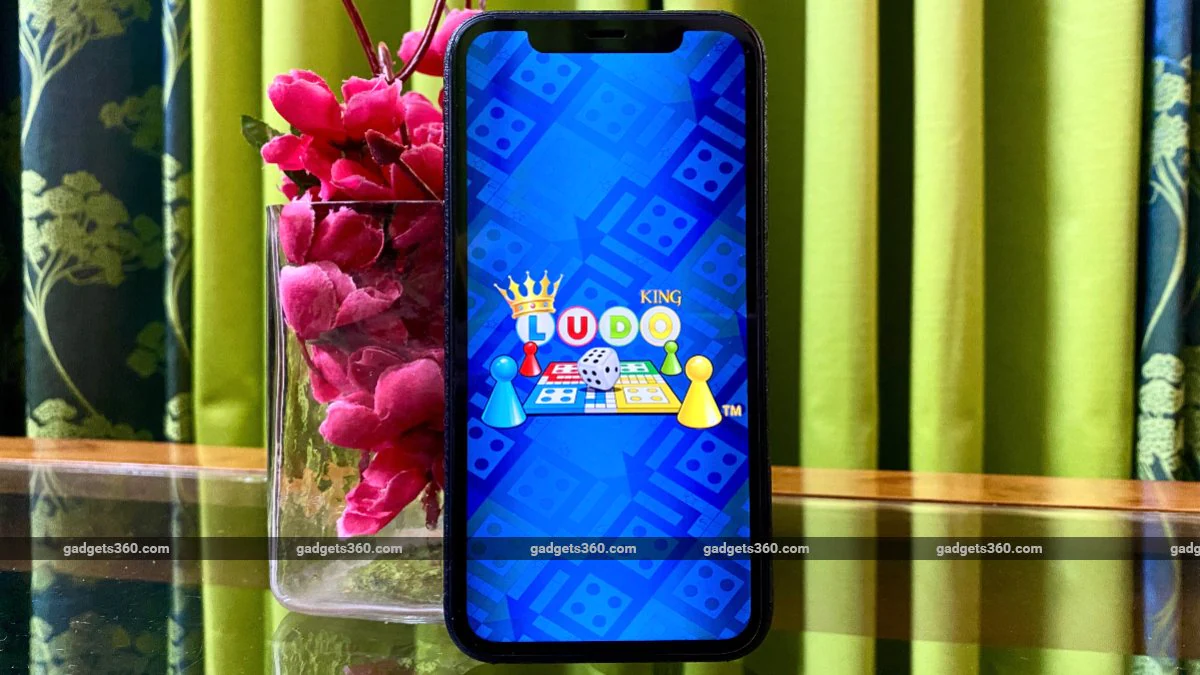
Ludo is one of the most famous board games in India, so it’s no surprise that the digital version of the game, Ludo King, has become one of the fast-growing and extremely popular multiplayer games in India, rivaling PUBG Mobile and Call of Duty in terms of fan following. In the current circumstances, as we practice social distancing and see lockdowns around the world, the game is only becoming more popular as a way to pass the time while staying connected with friends and family.
Ludo King is available on Android and Apple phones, and it’s easy to get started. The graphics aren’t that great and the dice really feel rigged at times, but it’s still fun to play. We’ve spent countless hours playing this game with friends, and it’s so simple and fun that we have no problem introducing it to people who don’t normally play games.
How to play Ludo King online with friends
Before you get started, you and your friends first need to make sure that everyone interested in playing the game needs to have it installed from their phone’s respective store. Ludo King is free to use, with in-app purchases available on Google Play for Android and the iOS App Store. Please follow these steps to get started:
-
On your Android smartphone, go to Google Play and download Ludo King. Likewise, if you’re using an iPhone, go to the App Store and download the game.
-
Once the game is installed, open it and Log in as guest. You can choose to connect your Facebook account, but this is not required to play with friends. After selecting the guest option, continue to complete the setup.
-
Once setup is complete, you will see the game’s main menu. By default, you can start a game of Ludo with friends, or you can even play Snakes and Ladders by clicking on the icon next to Settings. Now, let’s focus on Ludo King.
-
To start playing with friends who aren’t near you, first click play with friends.
-
On the next screen, start by selecting your color. Below it, you will see two options – create and join in. Create allows you to create a room and Generate code Your friends can join the room through it. If you want to join a friend’s room, just click join room Then enter private code Then you join the game.
-
After creating the room, set the entry amount (minimum 100 coins). Now you will be given a code that you need to share with your friends so they can join. You can send this code via WhatsApp, SMS, email or any other application of your choice.
-
After all members have joined, click “Start Game” to start the game.
-
First, click the dice to start your turn. The game also allows you to chat with friends. To do this, click chat bubble At the head of your avatar, write your message and click send. You can also send each other fun emojis by clicking on the gift icon above your friend’s avatar. Every emoji you send costs 10 in-game currency, which is annoying, but it also prevents emoji spam.
How to play Ludo King offline with friends
If you have friends or family members who currently live in the same house as you, you can also play Ludo King with them through the game’s Pass N Play mode. Please follow these steps to get started:
- On the game’s main menu, click Play by N.
- If all players want it, select Play as an individual or you want Create a team Two players each.
- Once you’ve all made your selections, add names for each player and choose the color you want each player to be, then click Play. This will start a local multiplayer game with friends in the same room.
- Note that you will be playing the game on your own device, so be sure to disable notifications and other alerts to avoid distracting everyone. If your phone has a game mode that blocks incoming calls and notifications, it will help a lot when playing Ludo King in Pass N Play mode.
Ludo King is a fairly simple and fun game to play with your loved ones and bring back memories of the timeless classic board game. This game is easy to recommend even to those who are not gamers. Remember, the times we are in now, we are all in this together. On the bright side, we can all make the most of this time to relax and spend quality time with our loved ones. Stay indoors and stay safe.
How do we stay sane during the coronavirus lockdown? We discuss this on Orbital, our weekly technology podcast, which you can subscribe to via Apple Podcasts or RSS, download the episode, or just hit the play button below.
Get daily tech news, reviews, and insights in 80 characters or less on technology shout Turbo. Connect with other tech enthusiasts on our forum. Follow us XFacebook, WhatsApp, Threads and Google News for instant updates. Watch all the action on our YouTube channel.
OnePlus 8, OnePlus 8 Pro equipped with LPDDR5 RAM, Snapdragon 865 SoC
Ubisoft launches Rayman Legends for free on PC to ease coronavirus lockdown woes

