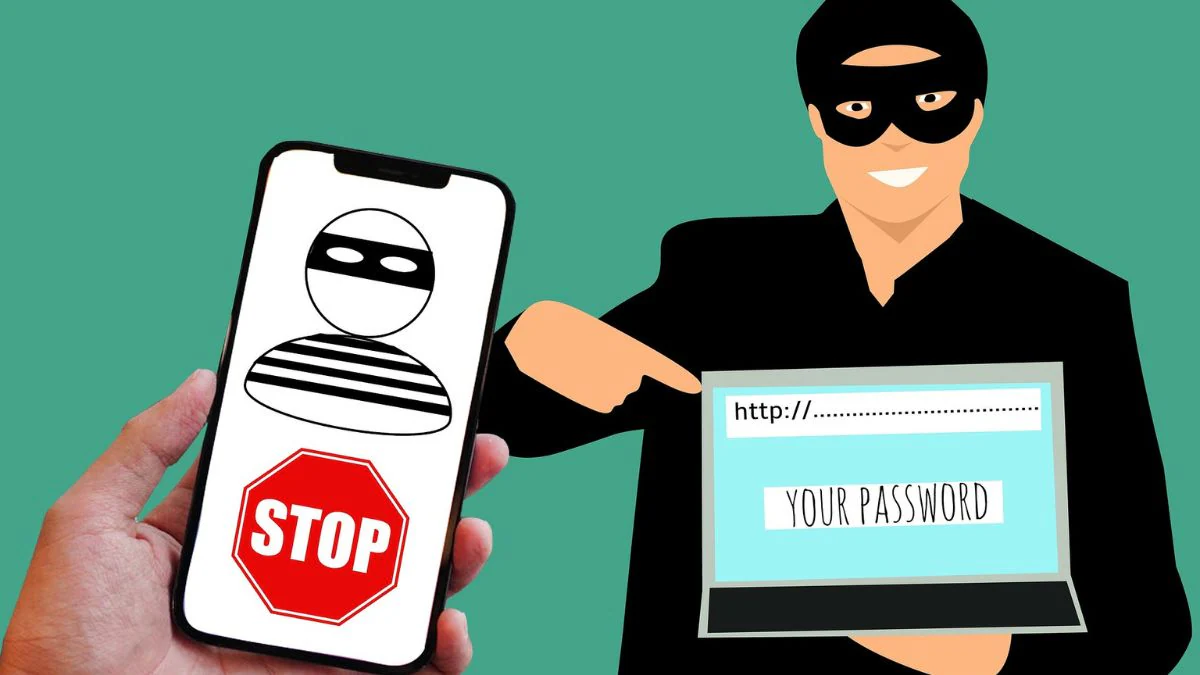
The Ministry of Telecommunications has launched a new facility for people in India to report suspected fraudulent communications. The government has launched a new Chakshu portal under its Sanchar Sathi initiative. The new portal is designed to detect and prevent suspected fraudulent calls and messages.
Union Minister for Information Technology and Communications Ashwini Vaishnaw said that the new portal provides a “user-friendly platform that will help subscribers promptly report any suspicious communication, whether it is a call, SMS or WhatsApp message.” So, let’s say you are wondering how you can use this portal to protect yourself from potentially fraudulent activities that occur through calls, messages, etc. In this case, you have come to the right place. In this article, we will discuss how to file a complaint against any fraudulent call or message on Chakshu portal.
What is Chakshu Portal?
Chakshu Portal is a new initiative of the Department of Telecommunications (DoT) to curb suspected fraudulent communications, simply put, cyber fraud. This feature is now available on the Sanchar Saathi website. People across the country can now report online fraud such as fake customer service lines, bank accounts, payment wallets, gas connections, impersonating government officials, etc. Through the new Chakshu portal, users can report such cyber fraud through calls, SMS and even WhatsApp.
Additionally, the Ministry of Transport has launched a Digital Intelligence Platform (DIP) to allow sharing of information with law enforcement agencies, banks and other financial institutions to combat such fraud. Therefore, the Chakshu Portal and DIP are expected to help detect and prevent cyber fraud across the country.
How do I report suspected fraudulent communications received through Chakshu Portal calls?
The portal allows users to report suspected online fraud over the phone. If you receive any fraudulent calls, you can report them via:
Step 1: Visit the sancharsaathi.gov.in website and scroll down to Citizen Centric Services.
Step 2: Select the Chakshu option under this tab and click on Continue to report.
Step 3: Select the fraud category from the drop-down menu and attach a screenshot of the call.
Step 4: Enter the mobile phone number from which you received the suspected fraudulent communication
Step 5: Enter the date and time of the fraudulent call and provide detailed complaint.
Step 6: Finally, enter your personal information, verify it through OTP, and submit your complaint.
How do I report suspected fraudulent communications received via SMS on the Chakshu Portal?
The portal also allows users to report spam or suspected online fraud via messages. Here’s how to make a complaint.
Step one: Visit the sancharsaathi.gov.in website and scroll down to navigate to the Citizen Centric Services section.
Step 2: Select the Chakshu option from this tab and click Continue to report.
Step 3: Choose SMS as your medium. Now, select the fraud category from the drop-down menu and attach a screenshot of the message you received.
Step 4: Select the type of suspicious text message, whether it is received with a short code (such as AX-BCDEFS) or without a short code.
Step 5: Enter the mobile phone number from which you received the suspected fraudulent communication.
Step 6: Specify the date and time of the fraudulent call and provide details of your complaint.
Step 7: Finally, enter your personal information, verify it through OTP, and submit your complaint.
How to report suspected fraudulent communications received via WhatsApp on Chakshu Portal?
The portal also allows you to report any fraudulent messages or calls received on the WhatsApp app. But it is worth noting that you should say the same about WhatsApp so that they can take necessary actions to detect and prevent such online fraud.
Step one: From the Chakshu menu, select Medium as WhatsApp.
Step 2: Select a fraud category from the drop-down menu and attach a screenshot of the message you received.
Step 3: Select the type of suspicious WhatsApp communication, whether it is WhatsApp calls or WhatsApp messages.
Step 4: Enter the mobile phone number associated with the suspected fraudulent communication.
Step 5: Note the date and time of the fraudulent call and provide a comprehensive complaint.
Step 6: Finally, enter your personal information, verify it via OTP, and proceed to submit your complaint.
Things you can report on Chakshu Portal
Below is a list of matters you can report on the Chakshu portal:
- KYC related to banking, electricity, gas connections, insurance policies etc.
- Impersonating a government official/relative
- Fake customer service hotline
- People who offer questionable online jobs, lotteries, gifts and loans
- sex blackmail
- Multiple automation/robot communications
- Emails containing malicious links/websites
- Any other suspected fraud
Frequently Asked Questions (FAQ)
Can we report cyber crime or financial fraud on Chakshu portal?
No, Chakshu Agency does not handle cases of financial fraud or cybercrime. If you have lost money to this type of financial fraud, or are a victim of cybercrime, you should report it to CyberCrime.
Do we need to provide personal details while filing a complaint on Chakshu Portal?
Before submitting a complaint on the Chkshu portal, you must provide your name and mobile number.

