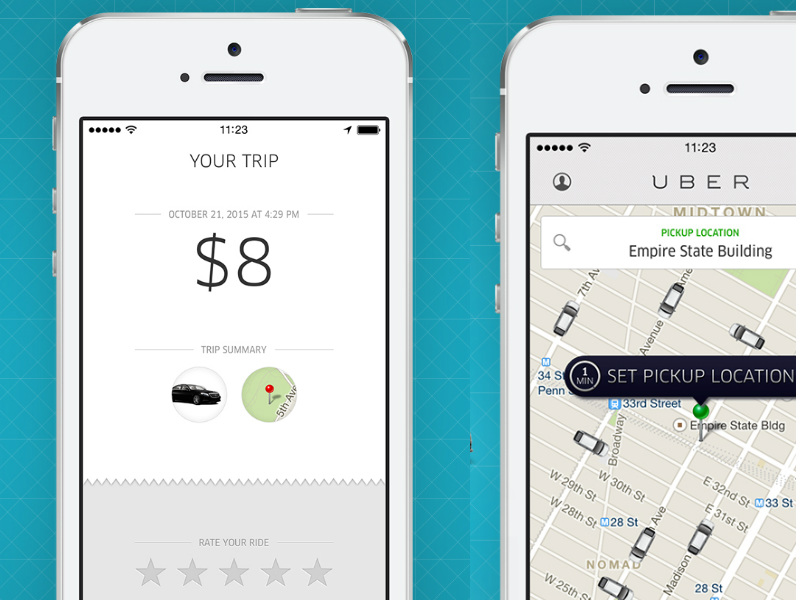
After taking an Uber ride, you’ll be asked to rate the driver on a scale of 1 to 5. You may not realize it, but your driver is rating you on much the same criteria. When you hail a cab with Uber, you can see the driver’s rating, but not your own. However, this rating may affect your chances of getting a ride, as drivers may not “accept” your ride request if your rating is low, even if they are nearby. Want to know your Uber rating? It’s actually easy to find out.
We can’t find out how many stars a particular driver has rated you, or see which trips you’ve rated lower, just like drivers can’t see the ratings you’ve given them. All you can see is your average rating, based on all your Uber rides. Here’s how to check your rating as an Uber rider.
1) Open the Uber app on your smartphone.
2) Click Profile icon in the upper left corner.
3) Click help.
4) Click account.
5) Click I want to know my rating.
6) Click on blue submit button.
7) You will soon receive an email from Uber informing you about your rider’s rating.
You can also do this through the Uber website.
1) Go to Uber’s rating page and click Sign in to get help.
2) Enter your Uber credentials and log in.
3) Click submit.
4) Uber will email you your rating.
Uber’s ratings range from 1 to 5. The email also contains some tips on getting better ratings from drivers, in case you need to know. What’s your Uber rating? Let us know in the comments. For more tutorials, visit our how-to section.

