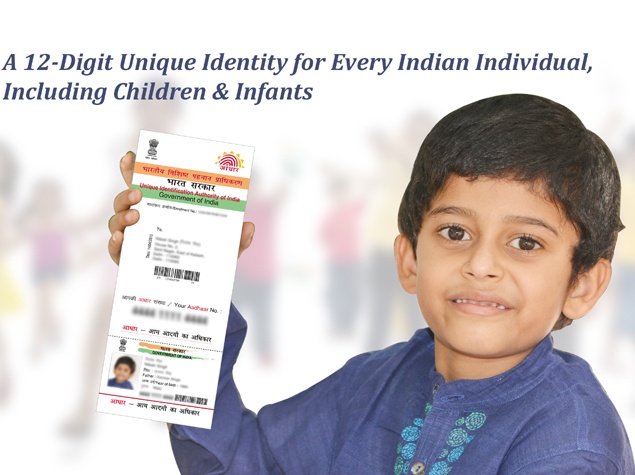
Applied for Aadhaar card but still not received? You can easily check the status of your application online. All you need is a copy of the confirmation slip you receive after visiting the registration center. If you have this, then it’s a simple process.
Aadhaar card is an official government-issued identity card for Indians. Many government agencies accept this card as proof of identity, and some require you to present your Aadhaar card. The card is issued by the Unique Identification Authority of India (UIDAI) on behalf of the government. It’s associated with more and more government functions and continues to grow in importance, so even if you don’t necessarily need an Aadhaar card yet, it might be a good idea.
Please follow the steps below to check the status of your Aadhaar card application online.
(See also: How to submit PAN card application online)
-
Go to the Aadhaar status page on the UIDAI website.
-
Check your Aadhaar confirmation slip. At the top you will see the 14-digit registration number and the 14-digit registration date and time.
-
Enter these two numbers into ed and date/time are fields respectively.
-
Enter the verification code in the marked field Enter security code.
-
Click check status.
This will show the status of your Aadhaar enrollment application. This is only used to check the status of new applications. If you have lost your card and want to print a usable copy, check out how to download a copy of your Aadhaar card.
Has this process worked for you? Let us know in the comments. For more tutorials, visit our how-to section.

