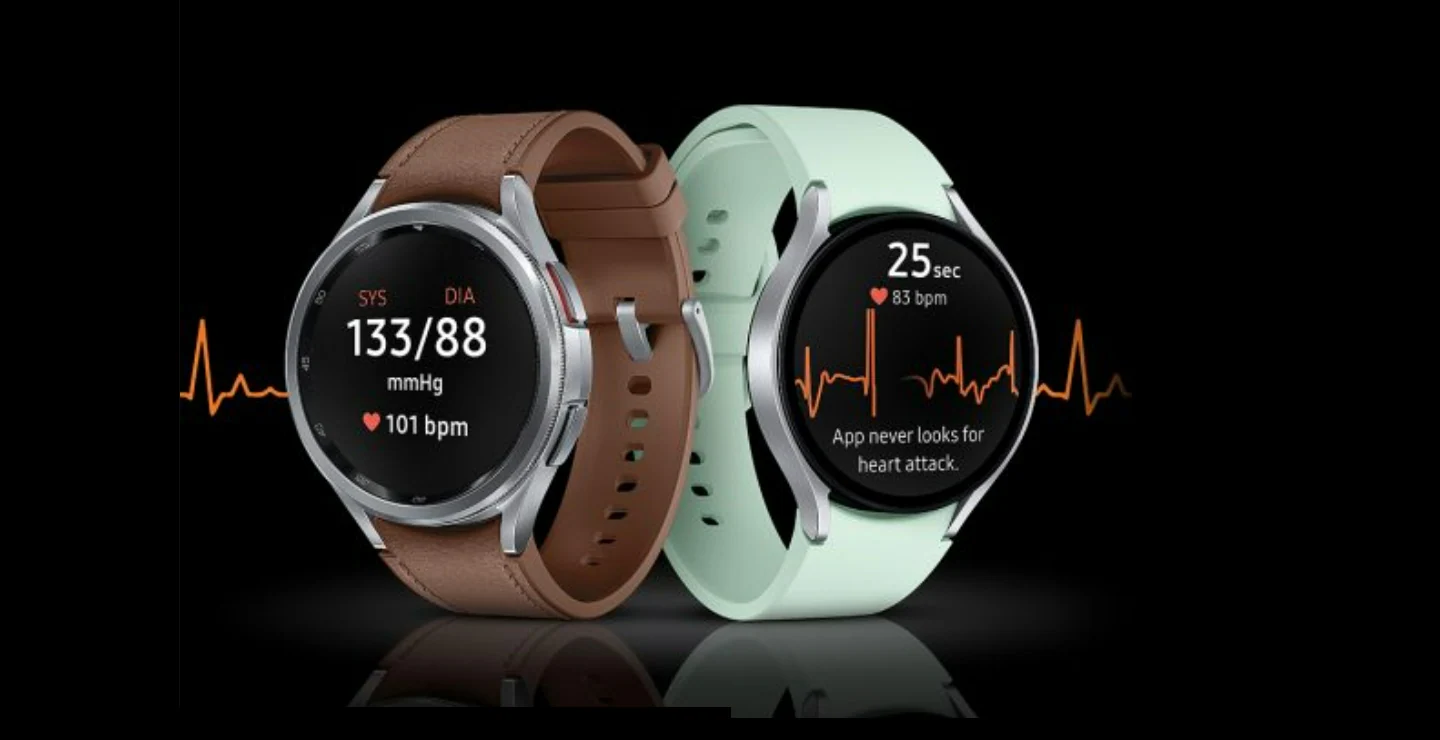
The Samsung Galaxy Watch 6 series was launched at the company’s Galaxy Unpacked event last year. Now, the Korean electronics brand has launched its latest wearable device with ECG (electrocardiogram) and BP (blood pressure) monitoring features in India. The new health tracking feature can be accessed through the Samsung Health Monitor app on the Galaxy Watch 6 series, which will help users conduct ECG tests and enable regular health check-ups from the comfort of their homes. Blood pressure and ECG tracking features are confirmed to be available on the Galaxy Watch 4 and Galaxy Watch 5 series.
Samsung is enabling blood pressure monitoring and electrocardiogram features on the Galaxy Watch 6 series in India after receiving regulatory clearance and certification from India’s Central Drugs Standard Control Organization, according to an official press release. The health tracking feature can be accessed through the Samsung Health Monitoring app bundled on the wearable device, and updates will reach the device via OTA (over-the-air) deployment. Both features are expected to be available on Galaxy Watch 4 and Galaxy Watch 5.
Users can measure their heartbeat rhythm with ECG tracking by wearing the Galaxy Watch 6, Galaxy Watch 5 and Galaxy Watch 4 models securely on their wrist. Sensors placed on the skin will detect the electrical signals generated each time the heart beats and record the data in a chart. With the Samsung Health Monitor ECG app, users can create, record, save and share ECG data with health professionals.
How to use Galaxy Watch to measure blood pressure and ECG?
After setting up the Samsung Health Monitor app on your Galaxy Watch and Galaxy smartphone, you can take an EKG anytime, anywhere. You have to calibrate the wearable according to the instructions on the app, then slide it onto your wrist so it fits to view your blood pressure measurements.
Measuring an EKG:
- Pair your Galaxy Watch with a Galaxy smartphone.
- Hold the Galaxy Watch snugly on your wrist and open the Samsung Health Monitor app.
- Gently place the fingertips of your other hand on the top button of your Galaxy Watch for 30 seconds.
- Open the Samsung Health Monitor app on your phone and tap Record to view the data.
- Click Share this report to share a PDF version of your ECG results.

