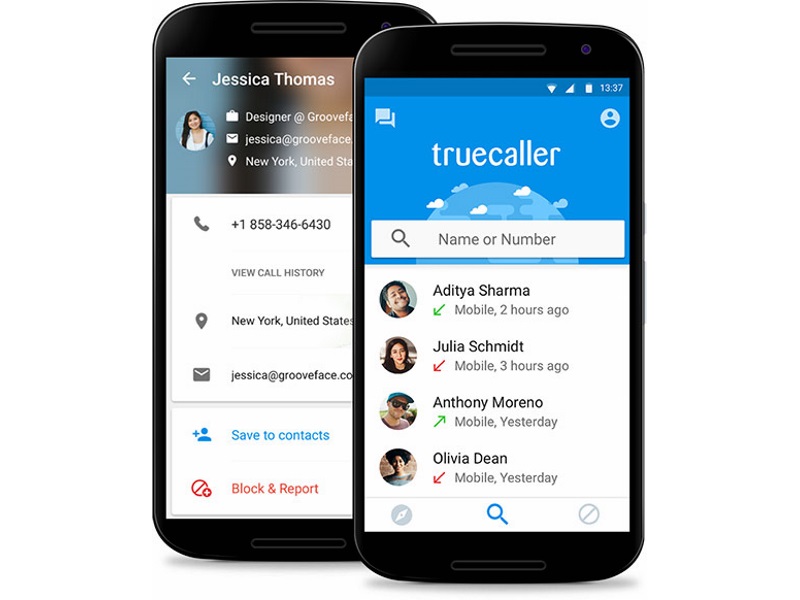
Truecaller is a popular app that shows you the contact details of unknown numbers calling you. It crowdsources contact details from all users’ address books. So even if you never use the service, your name and phone number may appear in Truecaller’s database, thanks to someone else saving your contacts and allowing the app to access them.
Not everyone knows this, but for some landlines, Truecaller even lists the address of the landline. This doesn’t mean much when a telemarketer or spammer calls from an office address, but ideally you don’t want strangers knowing your home address just because you called from a landline. Of course, Truecaller gets this data from public data sources. This is because if someone knows your landline number, they can easily find the registered address through any public phone book (many telecommunications companies make this information public) or even just by searching for your landline number on Google.
Therefore, you should consider removing your number from Truecaller’s database. Please note that if you are using the app, you cannot remove your number from the service. You must deactivate your account to delete your number. If you’d like to have just your number removed and also see the contact details of other people who called you, you’re out of luck.
If you are ready to remove Truecaller once and for all, here is what you need to do. If you are using the app on an iPhone, Android or Windows mobile device, please follow the steps below to deactivate your Truecaller account.
Steps to deactivate your Truecaller account
Android
Open the app > Click on the person icon in the upper left corner > set up > about > Deactivate account.
iPhone
Open the app > Click the gear icon in the upper right corner > About Truecaller >Scroll down > Deactivate Truecaller.
Windows Phone
Open the app and click three points In the lower right corner > set up > help > Deactivate account.
After deactivating your Truecaller account, you can continue to remove your number from the service. Here’s how.
How to remove your number from Truecaller
-
Go to the Truecaller Cancel Listing page.
-
Enter your phone number and the correct country code. For example: +911140404040 or +919999999999.
-
Tick one of the reasons for delisting, or if you prefer, type your reason for deletion in “Reason for deletion” other form.
-
enter confirmation code.
-
Click Cancel list.
Truecaller claims that it will delete the numbers within 24 hours of receiving the delisting request. This doesn’t always mean your number will be permanently out of service. We deleted our mobile number about a year ago, but a few days ago it started showing up on the service again, even though we’ve never used Truecaller. Your best bet is to continue checking with Truecaller users to see if they see your contact information. If they don’t, you’re good to go. If not, you can always ask them to delist your number.

