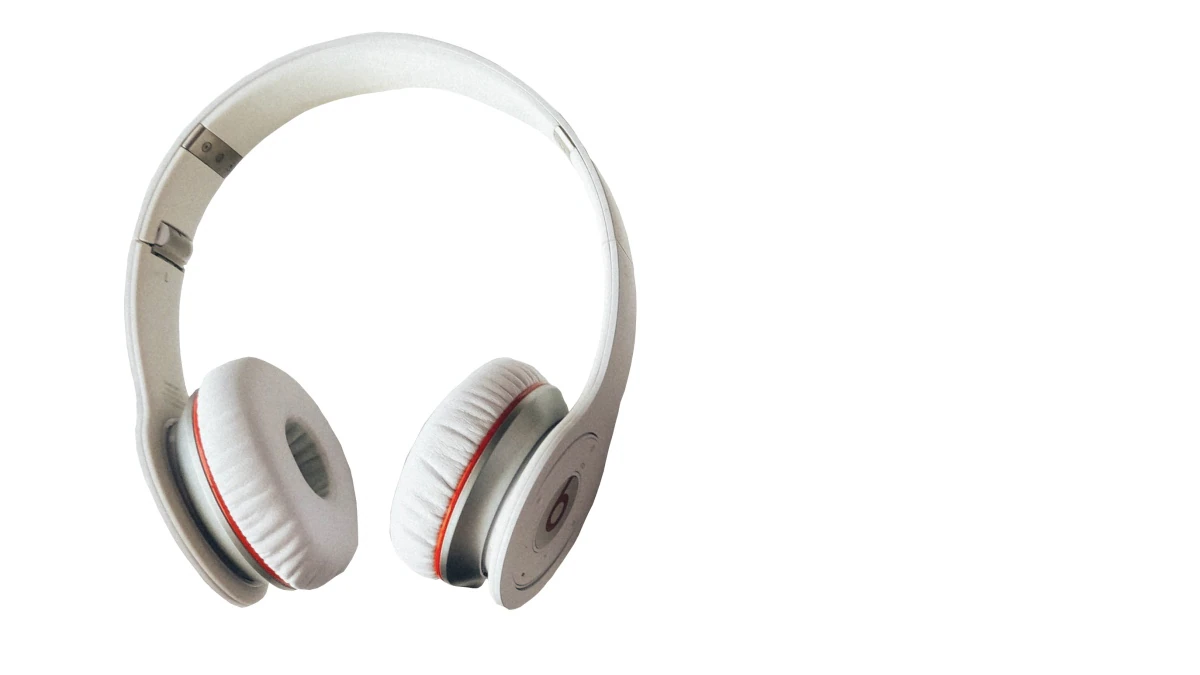
When Bluetooth audio was still new, there was a significant difference in sound quality between wireless and wired headphones. These differences have reduced, and with them, the price of quality wireless audio products. Today, you can buy a decent pair of Bluetooth headphones for less than Rs. 5,000 and get good audio performance right out of the box.
However, there’s a small, quick, easy and free trick that can help you get more out of your wireless headphones and earphones when using them with your Android smartphone – adjust the Bluetooth codec. Follow the steps below to learn how to improve Bluetooth audio on your Android smartphone for free.
What are Bluetooth codecs?
Before getting into the steps, let’s briefly explain the concept of Bluetooth codecs. Bluetooth relies on a specific program or “code” that compresses data from the source device for fast, seamless wireless transmission, and then decompresses the data on the headphones or speakers. Different codecs function differently, and some newer, more advanced codecs are able to transmit more packets efficiently.
The most commonly used Bluetooth codec is SBC (Subband Codec), which is considered a universal standard and is present on almost every Bluetooth device today. However, there are newer, more advanced codecs, including AAC (Advanced Audio Coding), Qualcomm aptX, and Sony LDAC.
Bluetooth is getting better, but wireless audio still has a long way to go
How does it work?
Many Android smartphones allow you to adjust the codecs in use, and this feature is supported starting with Android Oreo. The operating system usually selects the SBC codec by default, but in some cases you can change to a better codec if available. For example, when using a smartphone powered by a Qualcomm chipset with headphones that support aptX or aptX HD codecs, the smartphone will automatically select the better codec.
Other times, switching codecs is a manual process. Keep in mind that the headphones or speakers also need to support the codec to work properly. Luckily, it’s a simple process that works on Android 8.0 Oreo and above.
What codec should I choose?
It depends on which codecs your Bluetooth headphones support, which is something you should consider before buying new wireless headphones. Support for high-quality codecs like Qualcomm aptX and Sony LDAC is ideal, but is usually limited to high-end headphones and earphones.
In addition to SBC, many affordable headphones support the AAC codec. In these cases, manually switching to AAC can improve the audio quality of your headphones because AAC is a more advanced codec than SBC. For high-end headphones, switching to Qualcomm aptX or Sony LDAC will significantly improve the sound quality. While aptX automatically activates on many Android smartphones, LDAC must be activated manually in most cases.
How to change the Bluetooth codec on your Android smartphone
Here’s how to change the Bluetooth codec used by your Android smartphone and improve the final audio quality:
- If you haven’t already done so, activate the developer options on your smartphone. Do this by entering your Android smartphone set up > About the phone/About the device > Quickly tap your phone’s version number seven times. This will enable the developer options on your smartphone, giving you access to more tweaks and settings for your device. this Developer options Can be found in set up Once the menu is activated.
- Pair and connect your Bluetooth headphones to your Android smartphone.
- exist Developer options below set upscroll down to Bluetooth audio codec and click on it.
- Select one of the codecs in addition to the default SBC option. If your headset supports the codec, it will use the selected option and improve the sound quality.
For more tutorials, visit our How-To section.
What are the best cheap Bluetooth headphones and headphones in India? We discuss this on Orbital, our weekly technology podcast, which you can subscribe to via Apple Podcasts or RSS, download the episode, or just hit the play button below.

