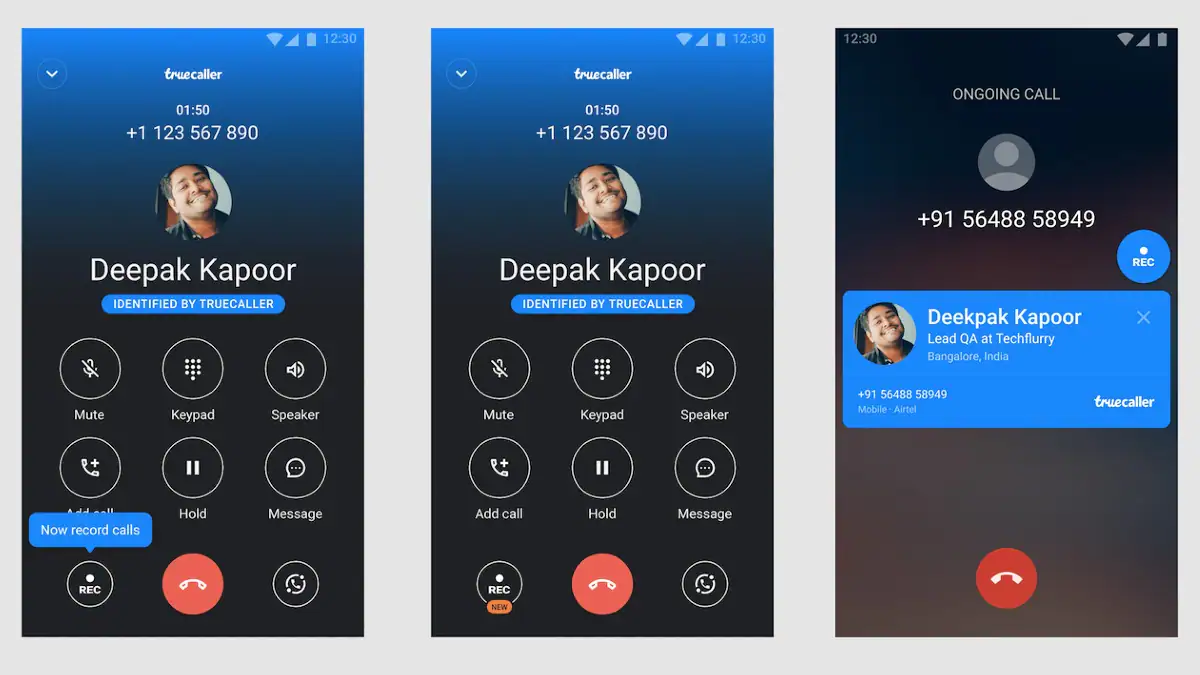
Call recording on Android phones is now possible using Truecaller. The Caller ID app introduces a native call recording feature that allows users to record incoming and outgoing calls on their device. Truecaller stores call recordings in your phone’s storage. Since the recordings are stored offline, you can listen to them anytime – even if you don’t have active internet access. You can also share your call recordings with any contact.
Truecaller first introduced call recording through its app in 2018, but the feature was studied for paid subscribers. But the company has now started rolling out the feature to all users.
Gaurav Jain, Head of Calls at Truecaller, told technology shout that the new call recording feature is now available on devices running Android 5.1 and above. The feature is available to 100% of users of the latest public beta version of the app, and 5% of users of the stable version. The company aims to roll out call recording to 100% of Truecaller users globally in the next two to three weeks and says the feature will be available on all Android versions, including the latest Android 12.
Before you start following the steps on how to record a call using Truecaller on your Android device, it is important to note that you must obtain consent or notify the person on the call before recording. Call recording is also illegal in some countries. Therefore, you should check your local laws before proceeding with the details below.
How to record calls using Truecaller for Android
Truecaller is currently rolling out a new call recording feature for devices that allows you to record calls on Android without using any other app. The feature is currently being rolled out in phases and may take some time to reach your device. Having said that, if your Android phone supports the feature, you can follow the steps below.
-
Give Truecaller call recording accessibility by going to set up > Accessibility on your device.
-
Now, when you receive or make a new call, tap the record button on the Caller ID screen to record audio.
If you want to disable call recording, press the hamburger button in the upper left corner of the Truecaller app to go to the side menu, tap Call Recording, and turn off the “Call Recording” option.
It’s worth noting here that Truecaller saves call recordings in your phone’s storage. This means you can access previous call recordings in the future without needing an internet connection.
You can access your past recorded calls by going to the call recording settings on the Truecaller app. You can also share them with your contacts or save them on Google Drive. Call recording files can also be accessed manually through the default file manager app on your phone.

