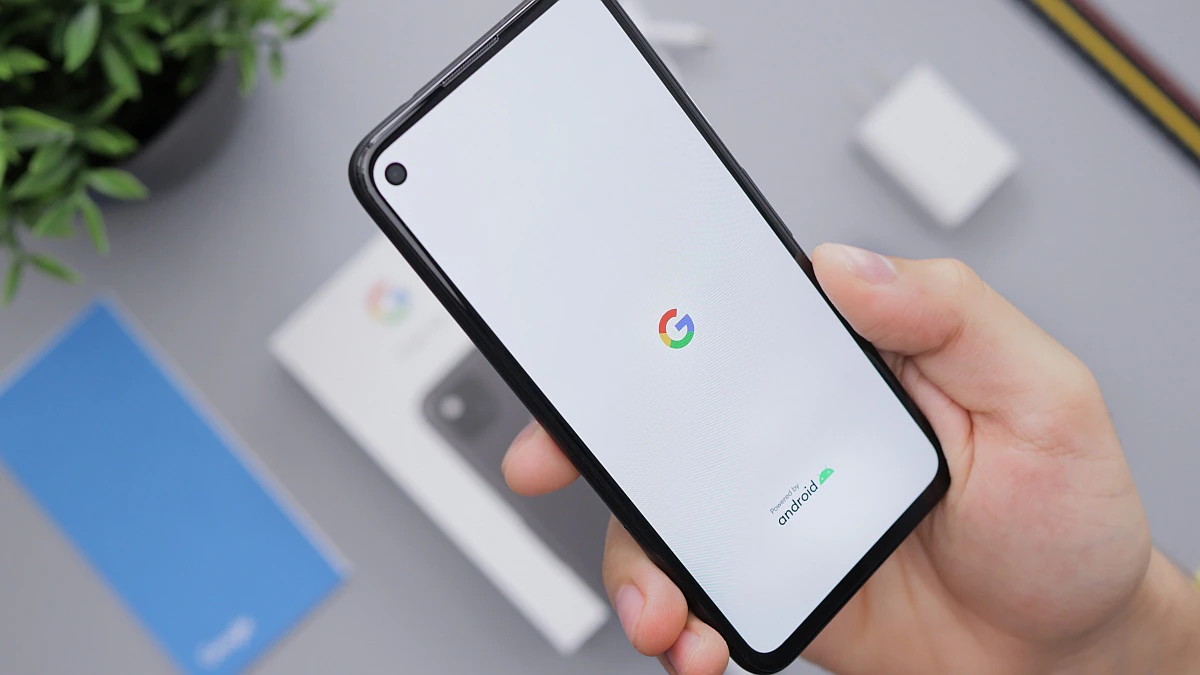
Google has quietly released a new Switch to Android app for iOS users who want to switch from iPhone to Android smartphones. It’s not currently available on the App Store, which means users can’t simply search for and download the app. The Switch to Android app will allow users to transfer important information including contacts, calendar events, photos, and videos without the need for any cables. Apple already offers a similar app on the Play Store for Android users switching to iOS.
According to a report by 9to5Google, the new Switch to Android app is now available on the App Store as an unlisted app for iPhone users who want to exit the Apple ecosystem. Users who download the app will be guided through the process of transferring data to their new Android phone, including the important step of disabling iMessage to ensure that other iPhone users’ messages are delivered as text messages on their new Android phone.
With the new Switch to Android app, users will be able to transfer contacts, calendar events, photos and videos from iPhone to the new Android phone. Previously, users needed to transfer data from iPhone to Google Drive, which could take up quite a bit of storage space, or connect a Lightning to USB Type-C cable on phones running Android 12. In addition to photos and videos that can be copied from iPhone, the Switch to Android app also allows users to transfer photos from iCloud to Google Photos.
Unlike Apple’s Move to iOS app, which has been available on the Google Play Store since September 2015, the Switch to Android app is not currently listed on the App Store. Earlier this year, Apple added support for “Private App Distribution,” allowing users to download apps that are accessible through a direct link.
technology shout was able to verify that the new Switch to Android app was not visible when searching the App Store, but was accessible by following a direct link on the App Store.
Here’s how to download and use the Switch to Android app on your iPhone
-
Click this link to download the Switch to Android app.
-
Launch the application, click start button and scan the QR code displayed on your Android phone.
-
On an Android phone, select your iPhone from the device list.
-
Select the following switches Contact information, Calendar events, photoand video Then click continue.
-
Once the copy process is complete, disable iMessage by tapping Go to Settings button.
-
Request a copy of iCloud data with a tap Start request on the next screen.
-
Close the app and continue setting up on your Android phone.
The App Store listing for switching to Android shows that users need to be running iOS 12 or higher on their iPhone. The app’s description also informs users that the app will request a series of permissions to access data on the user’s iPhone in order to complete the transfer to the Android device. The Application Privacy section displays location, contact information, User Content, usage information, identifiers, and other data to be collected listed under “Data About You.” Google has yet to officially announce the app or say when it will be available on the App Store.

