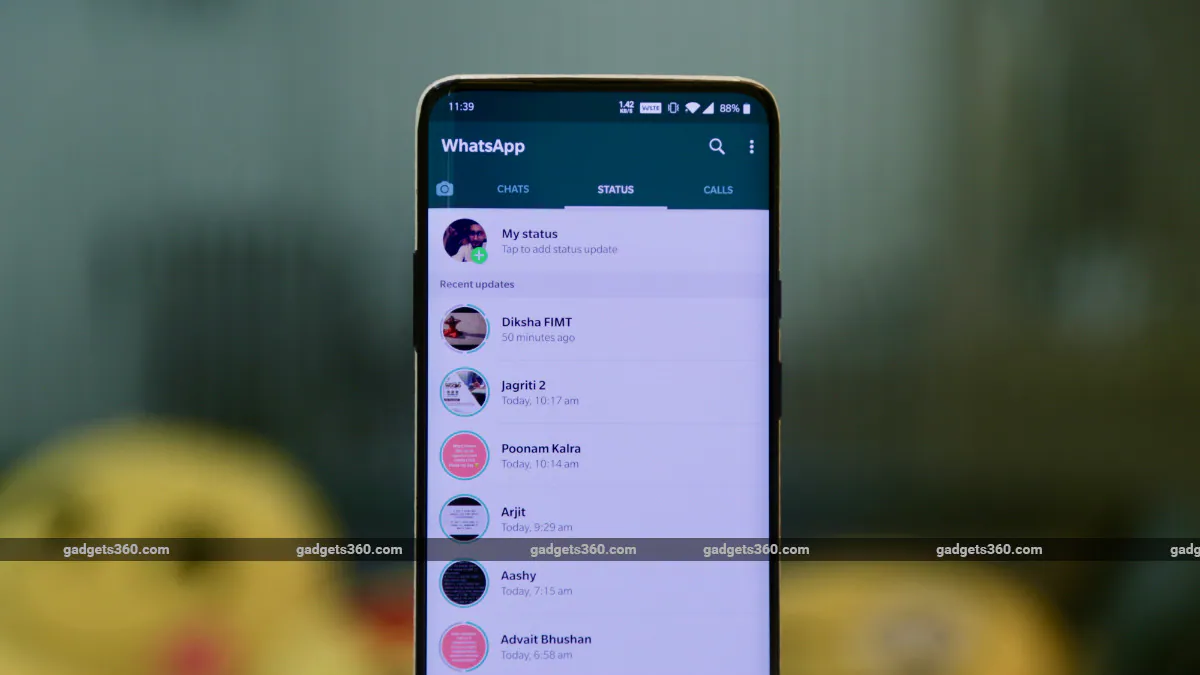
WhatsApp Status lets you share photos and videos with people using the messaging service, which has become a ubiquitous social media platform in India. WhatsApp used to be an app for chatting with people, but a few years ago, it added a feature called WhatsApp Status. This is very similar to Snapchat and Instagram Stories, where your uploaded content will be deleted after 24 hours. Creating a WhatsApp status is very easy and if you want to see other people’s status you can do so by going to the Status tab on WhatsApp. But what if you want to save WhatsApp status? Well, if you own an Android smartphone, then you will be happy to know that you can save WhatsApp status videos and photos by following these simple steps listed below.
We often find many funny WhatsApp status videos saved using this method, so it is useful to know this. However, if you want to save someone else’s WhatsApp status, we strongly recommend that you get that person’s permission before doing so.
How to Save WhatsApp Status Video on Android
The entire process requires a file manager on your Android smartphone. You can use any file manager of your choice, but the steps may vary. To keep things simple, we’re using the Google Files app in this tutorial, which is a free file manager app for Android. It comes pre-installed on Google Pixel smartphones and can be easily downloaded and installed via Google Play.
Now, follow the steps below to save WhatsApp status video on your Android smartphone:
- Open the Google Files app on your Android smartphone and click burger icon appears in the upper left corner and click set up.
- Likewise, if you are using a Pixel smartphone, open the Files app, click three dots icon and click on the upper right corner set up.
- On the next screen, enable Show hidden files. On Pixel smartphones, you need to enable Show internal storage space.
- Now go back to the main menu of the Files app and tap on internal storage.
- Now go to WhatsApp folder > media > ‘.state’.
- To save a photo or video, Long press and click copy. Now, paste the file into any folder of your choice in your phone’s internal storage.
By following the steps below, you will be able to save any photo or video that is set as a contact’s WhatsApp status. This method allows you to save any WhatsApp status you have opened, even if it has been more than 24 hours since the status was posted.
We will remind you again that if you want to save/share someone else’s WhatsApp status photo or video, please let them know.
For more tutorials, visit our How-To section.
We discuss what WhatsApp absolutely needs to do in 2019 on Orbital, our weekly tech podcast, which you can subscribe to via Apple Podcasts or RSS, download the episode, or just hit the play button below.

