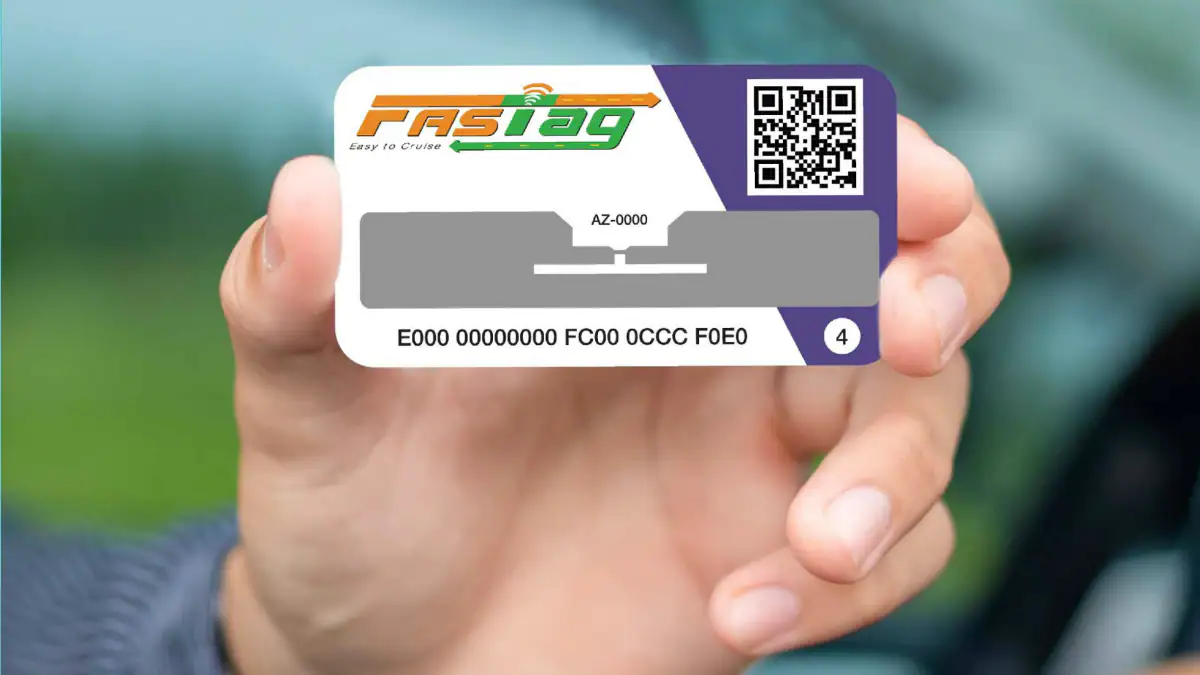
FASTag recharge comes in handy when you are traveling from one city to another and do not have proper balance in your FASTag account. Various apps provide FASTag recharge option. In this article, we will discuss how to recharge FASTag using Google Pay. In January last year, Google launched UPI recharge option for FASTag users through the Google Pay app. It allows you to easily top up your FASTag account, which you can use to seamlessly pay tolls while crossing Indian city borders.
Before you start, it is important to note that you must know your FASTag issuing bank for accurate recharge. You also need to link your FASTag account before making any recharge.
How to recharge FASTag using Google Pay
Since you need to link your FASTag account first, the following steps cover the linking part and provide details on how to recharge your FASTag using Google Pay.
-
Now, click New payment method button.
-
Enter “FASTag” in the search bar.
-
Scroll down to find the issuing bank of your FASTag and select it accurately.
-
Now, click Get started button.
-
Now you need to enter your car number (without spaces) and provide an account name (e.g. “My Car”) or your car model name for easy future access.
-
Click Linked accounts button at the bottom of the screen.
-
View your account information, including account holder name and vehicle number.
-
After the review is completed, press Linked accounts button. Your FASTag account will now be linked to Google Pay.
-
Now, you will see the screen with your FASTag account. Click pay button to make payment (minimum Rs. 200).
-
Now, click pay button at the bottom of the screen.
-
The Google Pay app will now ask you to enter your UPI PIN to proceed with the payment.
Once the payment is complete, you’ll receive a text message from the bank account linked to Google Pay. You can also make future payments to your linked FASTag account on the Google Pay app by going to the Merchant & Billing section.
Get daily tech news, reviews, and insights in 80 characters or less on technology shout Turbo. Connect with other tech enthusiasts on our forum. Follow us XFacebook, WhatsApp, Threads and Google News for instant updates. Watch all the action on our YouTube channel.
Vietnamese retailer reveals Poco X3 Pro price and specifications, may go on sale from March 26

