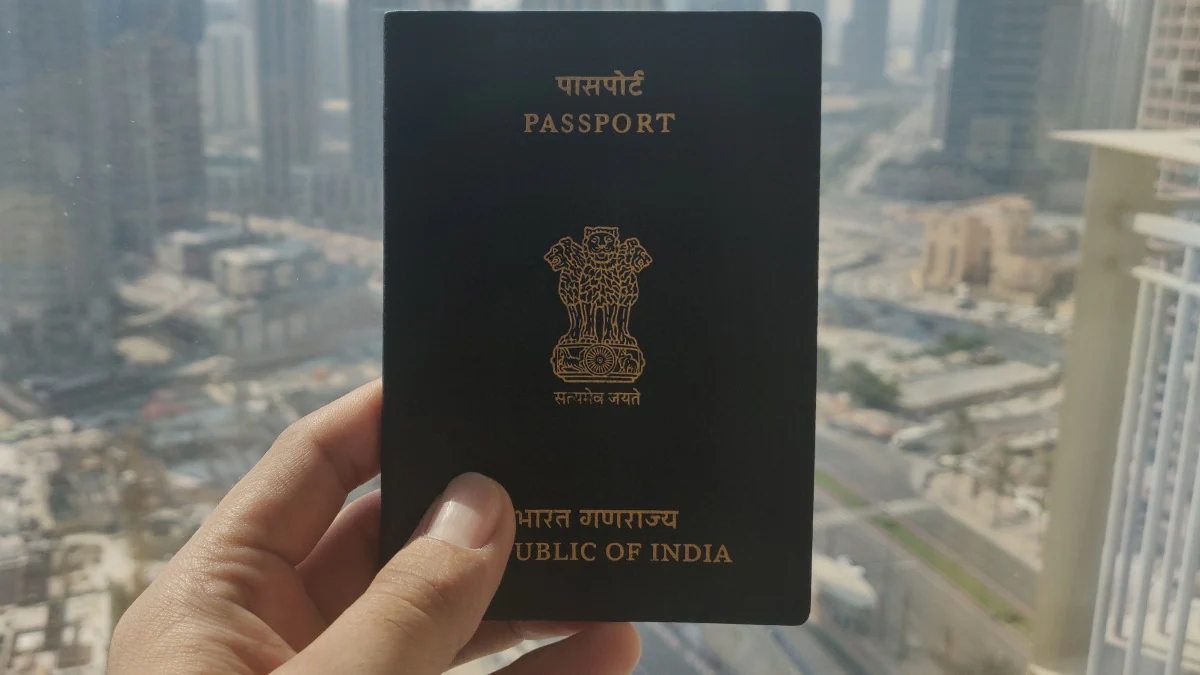
Applying for a passport online in India requires registering on the Passport Seva portal and following a few simple steps. The online experience is seamless, but you will need to visit the Passport Seva Kendra or regional passport office in person after booking online to complete the process. The Ministry of Foreign Affairs provides a dedicated online service called Passport Seva that allows citizens to apply for a passport online. It reduces the time you spend at the passport office and makes the entire process more convenient.
This article shows you how to apply for a passport online in India with a step-by-step guide.
How to apply for passport online in India
Before you start applying for a passport online in India, it is worth noting that you need to have your original documents ready to carry with you when you go to the Passport Seva Kendra or regional passport office for your appointment. A list of documents required to apply for a passport is available online. After applying for your passport online, you will have 90 days to visit the Passport Seva Kendra, otherwise you will have to resubmit your online application. Here are the steps to apply for a passport online.
-
Visit the Passport Seva portal and click Register now association.
-
Enter your details accurately and select the passport office you wish to visit.
-
After entering the details, enter the verification code characters and click the “Register” button.
-
Now, log in to the Passport Seva portal using your registered login ID.
-
click Apply for a new passport/reissue a passport association. It is worth noting that while applying for the new issuance category, you must have never held an Indian passport in the past. Otherwise, you should apply under the reissue category.
-
Fill in the required details in the form that appears on the screen and click submit.
-
Click now Pay and schedule an appointment View the link on the Saved/Submitted Application screen. This will allow you to schedule your appointment. You will also need to pay for your appointment online.
-
click Print application receipt Link to print your application receipt.
-
You will receive a text message with your appointment details.
-
Now, you just need to go to the Passport Seva Kendra or district passport office where you have made an appointment. Please be sure to bring original documents and application receipt. You don’t have to bring a physical application receipt if you can show the text message you received on your phone after making an appointment online.
Please note that the government is also enforcing COVID-19 protocols for applicants visiting passport offices. Applicants are advised to wear masks, carry sanitisers, download and install the Aarogya Setu app and adhere to social distancing norms during their visit.
Why did LG give up the smartphone business? We discussed this on Orbital, the technology shout podcast. Later (starting at 22:00) we will discuss the new cooperative RPG shooter Outriders. Orbital is available on Apple Podcasts, Google Podcasts, Spotify, and wherever you get your podcasts.
Get daily tech news, reviews, and insights in 80 characters or less on technology shout Turbo. Connect with other tech enthusiasts on our forum. Follow us XFacebook, WhatsApp, Threads and Google News for instant updates. Watch all the action on our YouTube channel.
Realme 8 5G launch date set for April 21, specs revealed in video
Fierce debates, fun banter: Clubhouse – an outlet for the Middle East

