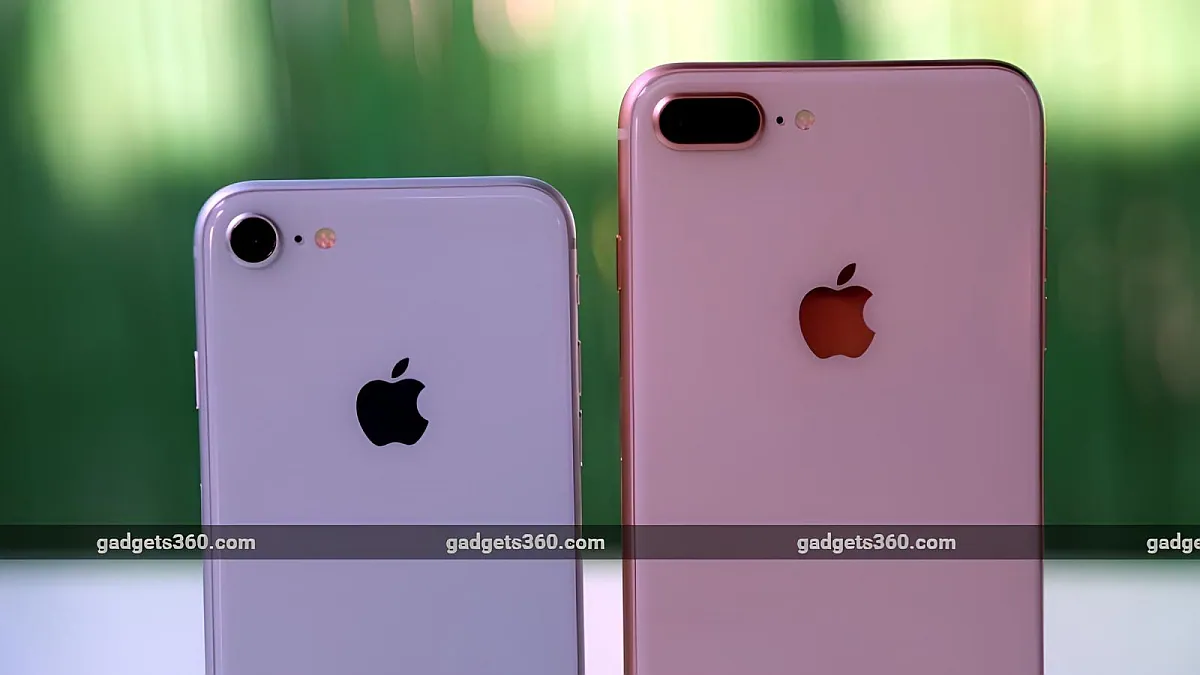
iOS 16.7.1 is currently rolling out to older iPhone models, and a few days ago, Apple released iOS 17.0.3 for eligible phones to address overheating issues affecting iPhone 15 Pro models. As part of the latest iOS 16 update, the Cupertino company has fixed two security vulnerabilities and advised users to download and install the update on their smartphones. Meanwhile, users who have not installed the iOS 17 update on the latest iPhone models can also download the iOS 16.7.1 update.
The iOS 16.7.1 update will begin rolling out to owners of iPhone 8 and later models later Tuesday, while owners of eligible iPad models will be able to download the iPadOS 16.7.1 update. Users running iOS 17-compatible devices but choosing to hold on to iOS 16 for now will also be able to update to the latest version.
Like the iOS 17.0.3 update that rolled out last week, the iOS 16.7.1 update also includes an important fix for an iOS 16 kernel vulnerability that allowed a local attacker to escalate privileges and gain access to the device. The iPhone maker says the issue is already being actively exploited on systems running iOS 16.6 and earlier, according to Apple’s security notes for the iOS 16.7.1 update.
Likewise, the update also comes with updates for WebRTC, a real-time communication framework used by several web services and related companies. According to the company, the flaw Apple fixed would allow the execution of arbitrary (or malicious) code on users’ smartphones.
At the same time, Apple also launched the third beta version of iOS 17.1 to users through the public beta channel. The update is expected to roll out to users in the coming weeks and will bring the ability to complete AirDrop transfers over the Internet, a new flashlight indicator for Dynamic Island on non-iPhone 15 Pro models, and new features for Apple Music, including the ability to add favorites from the lock screen.
How to download and install iOS 16.7.1 on iPhone
-
Connect to a Wi-Fi network and make sure the iPhone battery is above 50%.
-
Navigate to General > Software updates In the Settings app.
-
After the iOS 16.7.1 update is listed, click Update now.
-
Enter your phone’s password to start the update process.
-
Wait for your phone to restart, this may take a few minutes.
Get daily tech news, reviews, and insights in 80 characters or less on technology shout Turbo. Connect with other tech enthusiasts on our forum. Follow us XFacebook, WhatsApp, Threads and Google News for instant updates. Watch all the action on our YouTube channel.
OnePlus 12 watch-inspired design, camera hardware leaked online: All the details
Amazon India Day Deals 2023: Top smartwatches under Rs 5,000

