


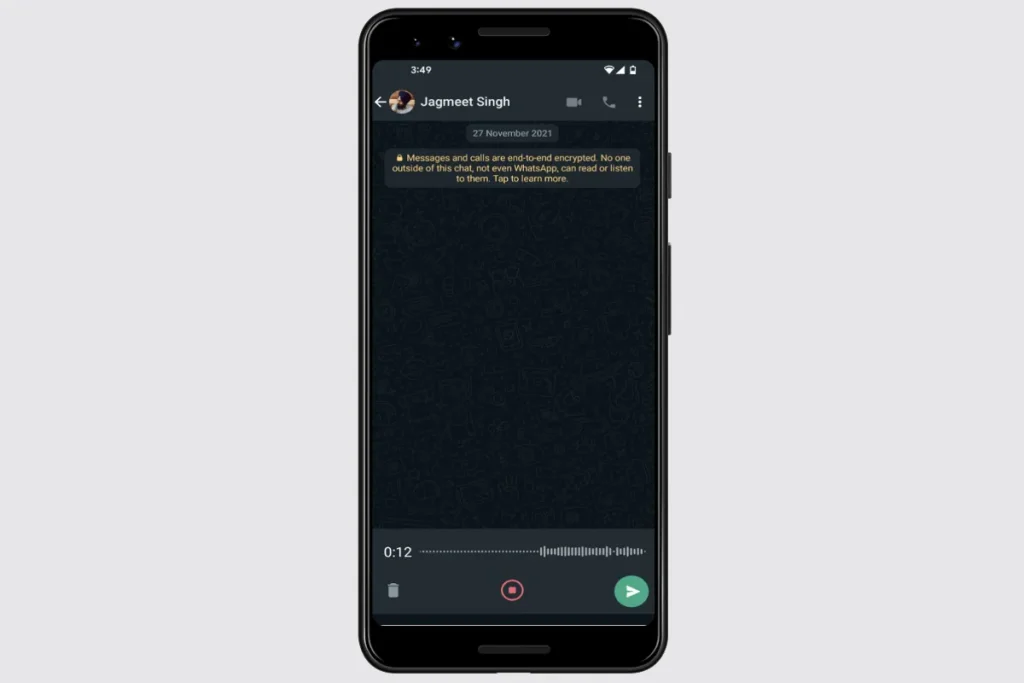
Looking for a way to preview WhatsApp voice messages before sending? WhatsApp this week launched a preview voice message feature that allows users to view a draft of a recording before sharing it with others. You can preview voice messages before sending them in an individual thread or in a group chat. This update helps you avoid sending voice messages that don’t quite make sense or need to be updated with some corrections. You can also play your voice message to see if the audio is clear before sending.
WhatsApp has launched voice message preview feature for all Android and iOS users as well as web or desktop users.
In this article, we provide the steps you need to perform to preview a WhatsApp voice message before sending it to a contact.
How to use WhatsApp voice message preview
Before starting the steps to use the voice message preview feature, make sure you have the latest WhatsApp version installed on your device.
-
Open a personal or group chat on WhatsApp.
-
Tap and hold the microphone button next to the message text box, then swipe up to lock hands-free recording. On the web and desktop versions of WhatsApp, you don’t need to swipe up as both offer hands-free recording after clicking on the microphone.
-
Now, start speaking your voice message.
-
Click the Stop button to complete recording.
-
Click the play button to listen to your recording. You can also move to a specific part of the recording by clicking on the search bar.
If your message is suitable and shareable, you can press the send button. Otherwise, click the trash can to delete the voice message and then repeat the above steps to record the voice message again.
Get daily tech news, reviews, and insights in 80 characters or less on technology shout Turbo. Connect with other tech enthusiasts on our forum. Follow us XFacebook, WhatsApp, Threads and Google News for instant updates. Watch all the action on our YouTube channel.
Spotify Podcast Ratings feature starts rolling out, allowing users to rate shows after listening