


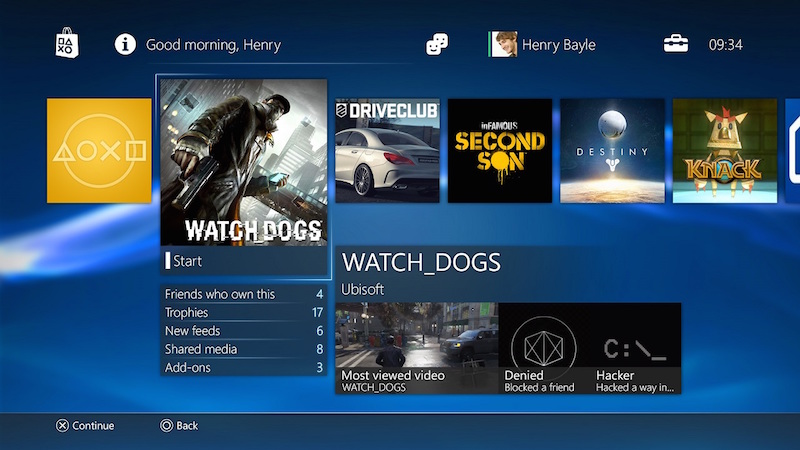
One of the coolest features of the PlayStation 4 (PS4) is the ability to download games without using the system. Instead, you control this feature from your phone, so you don’t even need to get out of bed to get the latest games. It’s a convenient way to save time and energy by ensuring that all those mammoth system updates and game downloads are completed in a timely manner, allowing you to just sit down in front of the TV and start playing.
As more and more games go digital, it’s becoming increasingly important that file sizes aren’t getting smaller, so you’ll want to take advantage of automatic downloads. That’s all you need to do to make sure your PS4 gets these updates properly even when you’re out and about.
- Go to set up.
- choose Power saving settings.
- choose Set the functions available in rest mode
- Need to check here Stay connected to the Internet. When doing so, you can check Enable opening PS4 from the network.
- Return to set upchoose system.
- Click Automatic download.
- Tick application update files.
Now, when done simply press the Home button and select the option to set your PS4 into rest mode.
Once these settings are enabled, you can purchase games from the PlayStation Store using a browser on your PC or using the PlayStation app on Android or iOS and they will automatically download to your system. This means you could be sitting in a boring meeting looking for the best new games to buy so they’re ready to play when you get home.
As long as your console is connected to a power source and has access to the internet, you can rest assured that you can download everything you need to make your next gaming experience better while you’re out on other tasks.
Get daily tech news, reviews, and insights in 80 characters or less on technology shout Turbo. Connect with other tech enthusiasts on our forum. Follow us XFacebook, WhatsApp, Threads and Google News for instant updates. Watch all the action on our YouTube channel.
IRS says cyberattacks are more widespread than previously thought
Facebook tests improved notes feature on rival blogging site