


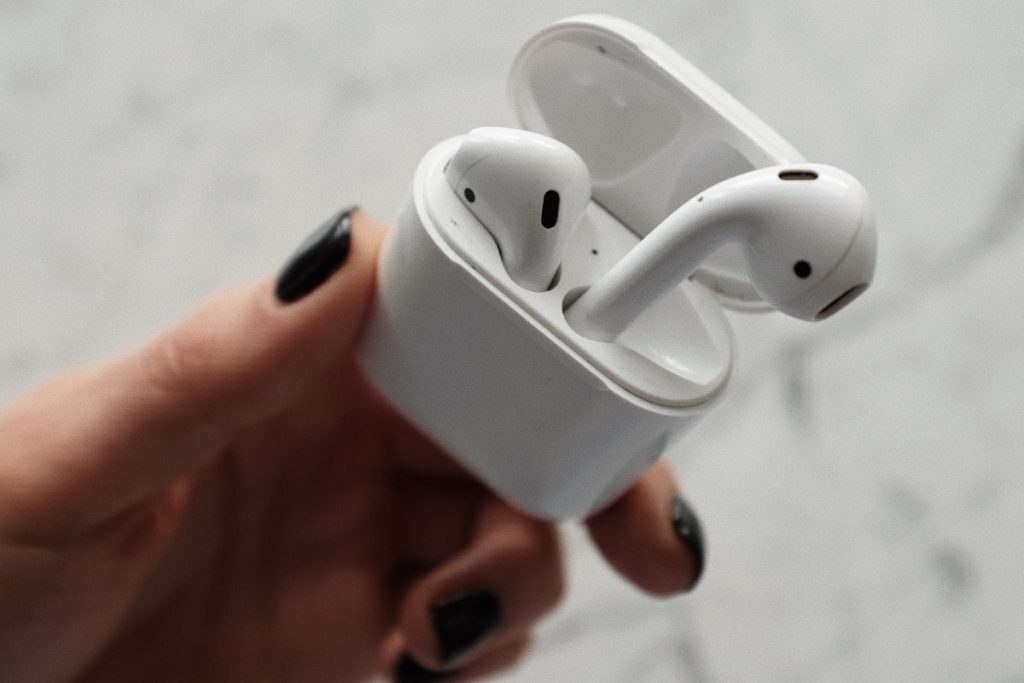
Apple AirPods can connect to Android phones. While Apple designed the AirPods (and AirPods Pro) – like all of its products – to remain an integral part of its ecosystem, Android users have the option of connecting the company’s true wireless stereo (TWS) earbuds to their phones. This is unlike the Apple Watch which is completely incompatible with Android devices. The ability to connect Apple AirPods to your Android phone also means you don’t have to ditch your existing phone to experience what is arguably the world’s most popular wireless earphones – market statistics from third-party research firms attest to its popularity.
AirPods are one of the few Apple devices you can use without giving up your Android phone. Here’s how to connect them with your Android device.
How to connect Apple AirPods to an Android phone
Before you start following the steps to connect your Apple AirPods to your Android phone, it’s important to note that you’ll have a limited experience. By default, you won’t be able to view the battery status of your AirPods and their charging case from your Android phone. You also won’t get the extensive gesture support that Apple offers for iOS users. Having said that, you can follow the steps below to start listening to music from AirPods on your Android phone.
-
enable Bluetooth On your Android phone, go to set up.
-
Open the AirPods case cover, then press and hold the white button on the back until you see the status light flash white.
-
Now, go to set up > connect > Bluetooth on your Android phone. You will see your AirPods appear in the list of available devices. Due to the heterogeneous nature of the Android ecosystem, Bluetooth settings may be available in set up > Connect devices or directly in set up Menu – Depends on the device you are using and the OS/custom skin on it.
-
Tap the name of the AirPods you have connected to your phone to pair the two devices.
Once connected using the steps above, you can use your AirPods with your Android device just like you would other TWS earbuds or Bluetooth headphones. This means you don’t have to follow the same steps every time you want to listen to music through your AirPods. After this, you will see your AirPods in the list of paired devices on your phone.
The same steps also apply to connecting AirPods Pro to an Android device, which provides an upgraded experience compared to the regular AirPods model.
Get daily tech news, reviews, and insights in 80 characters or less on technology shout Turbo. Connect with other tech enthusiasts on our forum. Follow us XFacebook, WhatsApp, Threads and Google News for instant updates. Watch all the action on our YouTube channel.
Mi 11 Lite goes on sale for the first time in India today at 12 noon via Flipkart, Mi.com; Xiaomi TV webcam also available