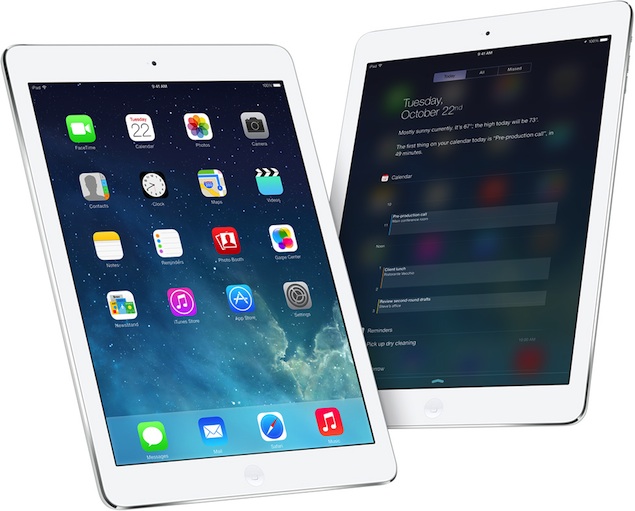
“This update cannot be installed because it requires at least 5.7GB of storage space.” If you encounter a similar error while trying to install iOS 8, then you may be facing a major dilemma about which apps to delete and how many photos to delete. If you haven’t started the process yet, please wait. You can install updates without deleting any apps or photos. Here’s how to do it.
Update using iTunes
If your iOS device is full and you can’t clear any space on it, just install updates through iTunes. Before starting this process, make sure to take a complete backup of your iOS device. Once again, we recommend that you back up your data via iTunes instead of iCloud for best results. We’ve covered the process of backing up your iOS device and installing updates through iTunes in this article. Follow all the steps here to install iOS 8 smoothly.
(See also: Buying an iPhone 6? First check how to completely erase your old iPhone)
No computer can update via iTunes
Some of you must be wondering how to clear space on your iOS device if you don’t have a computer to install updates through iTunes. In this case, the unavoidable fact is that you have to clear some space to install iOS 8. Here are some things you can do.
1. Check which apps are taking up the most storage space. Go to Settings > General > Usage.
2. Now wait for the application list to load. You’ll see the apps that take up the most space. Start by deleting games that you have finished or stopped playing.
3. You can delete apps like Facebook, Instagram, and Twitter, which will increase in size as you use them longer. Your data is safe within these three apps and you will recover them after reinstalling them.
4. Most people’s iOS devices are filled with photos and videos. These are difficult to delete, but you can easily back them up using iCloud. Please follow the steps described in this tutorial to make a full backup. Once you’re done, you can delete a lot of it.
5. You can delete music and videos, which tend to take up a lot of space on some iOS devices. These can be downloaded again via iTunes, or if you’ve transferred them via your computer, an updated iTunes sync will restore the songs and videos to your device.
6. Safari is an often-overlooked app that takes up a lot of storage space. The browser is probably the most used application for many people, and over time its cache can grow to a ridiculous size. Clear it by going to Settings > Safari > Clear Cookies & Data. Clearing the history will also free up some space. You can do this by going to Settings > Safari > Clear History.
If you can’t update through iTunes, these are some of the best ways to free up storage space to install iOS 8. Once the update is installed, it won’t take up the 5-7GB required for the installation. Please tell us about your experience installing the iOS 8 update in the comments.
For more tutorials, visit our How-To section.

